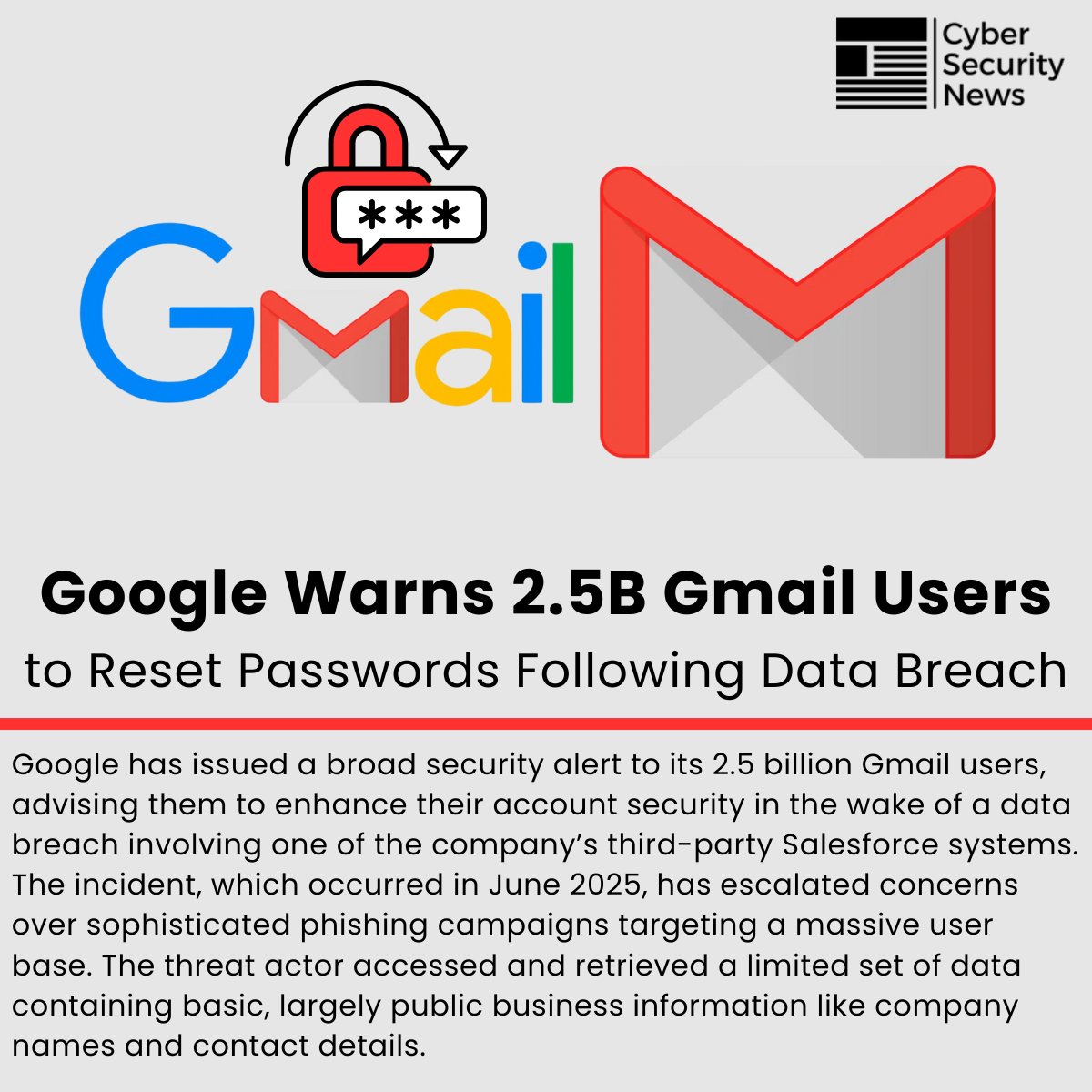
If you’ve been online recently, you might have seen alarming headlines screaming about a “Google Gmail data breach warning” affecting billions. Your heart might have skipped a beat—after all, Gmail is the digital key to your entire online life, from social media to banking.
But before you panic, it’s crucial to separate fact from fiction. This was not a breach of Google’s own servers. Instead, Google performed a massive security check-up on its users and found a huge number of compromised credentials circulating on the dark web.
Decoding the Headlines: What Really Happened?
In late 2023, Google’s cybersecurity team issued a widespread warning to an estimated 2.5 billion Gmail users worldwide. The core message was urgent: countless user credentials (email addresses and passwords) have been exposed in third-party data breaches and are now available to cybercriminals.
This is a pervasive problem known as credential stuffing. Most people reuse passwords across multiple services. When a company like Adobe, LinkedIn, or MyFitnessPal gets hacked, the email and password combinations from that breach are compiled into massive lists and sold online. Attackers then use automated bots to try these same combinations on high-value targets like Gmail, hoping to get lucky.
Google’s warning was a proactive and protective measure. By identifying which of its users had credentials floating around the dark web, they could force a password reset and prevent account takeovers before they happened.
How to Check if Your Gmail Account Was Compromised
Did you receive a direct warning from Google? If you did, you should have seen a notification within your Google account, likely the next time you opened YouTube, signed in on an Android device, or accessed Gmail on the web.
The notification would have been unmistakable, urging you to take immediate action. But even if you didn’t get a direct alert, it is every user’s responsibility to practice good cyber hygiene. Here’s how you can check your account’s security status right now:
- Visit Google’s Security Checkup Page: Go to your Google Account dashboard, navigate to the “Security” tab, and run the Security Checkup. This tool will provide a personalized, step-by-step guide to securing your account, including reviewing recent security events, connected devices, and your 2-Step Verification settings.
- Use Password Checkup Tools: Google’s Password Manager, built into Chrome and Android, has a feature that automatically checks if any of your saved passwords have been compromised in a known third-party breach. You can find this under “Password Manager” in your Google Account settings.
- Check Third-Party Sites: You can also use reputable third-party sites like Have I Been Pwned?, a free service created by security expert Troy Hunt that allows you to see if your email has been involved in a known data breach.
Immediate Action: 5 Critical Steps to Safeguard Your Gmail Account
Whether you received the warning or not, now is the perfect time to fortify your digital defenses. Follow these five essential steps:
1. Change Your Password Immediately (If Advised)
If Google told you to change your password, do it without delay. Even if you weren’t notified, if it’s been over a year since your last change, it’s a good practice.
- How to do it: Go to your Google Account > Security > Under “How you sign in to Google,” select Password. Create a strong, unique password that you don’t use anywhere else. A strong password is long (at least 12 characters), and includes a mix of uppercase letters, lowercase letters, numbers, and symbols.
2. Enable 2-Step Verification (2SV) – This is Non-Negotiable
This is the single most important step you can take to protect your account. 2SV adds a second layer of security. Even if a hacker steals your password, they won’t be able to sign in without access to your phone or security key.
- How to do it: Go to your Google Account > Security > Under “How you sign in to Google,” select 2-Step Verification and follow the setup process. Use an authenticator app (like Google Authenticator or Authy) for the most secure method, as it is resistant to SIM-swapping attacks.
3. Review Account Activity and Connected Devices
Regularly check which devices are logged into your account and where they are located. If you see a device or location you don’t recognize, you can sign it out immediately.
- How to do it: Go to your Google Account > Security > Under “Your devices,” select Manage all devices. Review the list and sign out of any that are unfamiliar.
4. Never Reuse Passwords
This cannot be stressed enough. Using the same password for Gmail, your bank, and your social media is a catastrophic risk. Use a password manager like Bitwarden or 1Password to generate and store strong, unique passwords for every single site you use.
5. Beware of Phishing Scams
In the wake of these warnings, scammers will try to capitalize on fear. Google will never email you asking for your password or verification code. Never click on suspicious links in emails claiming to be from Google. Always navigate to your account settings directly by typing myaccount.google.com into your browser.
The Bigger Picture: Why Google’s Warning is a Good Thing
While the headlines were scary, this incident highlights a positive shift in how tech giants are handling cybersecurity. Instead of staying silent, Google is taking a transparent, proactive approach to protect its users. By leveraging its vast visibility into cyber threats, Google can act as an early warning system for its billions of users, helping to prevent account hijackings, identity theft, and financial fraud before they occur.
This event serves as a critical reminder that cybersecurity is a shared responsibility. While companies like Google invest billions in protecting their infrastructure, users must also do their part by using strong, unique passwords and enabling 2FA.